Look at all these features
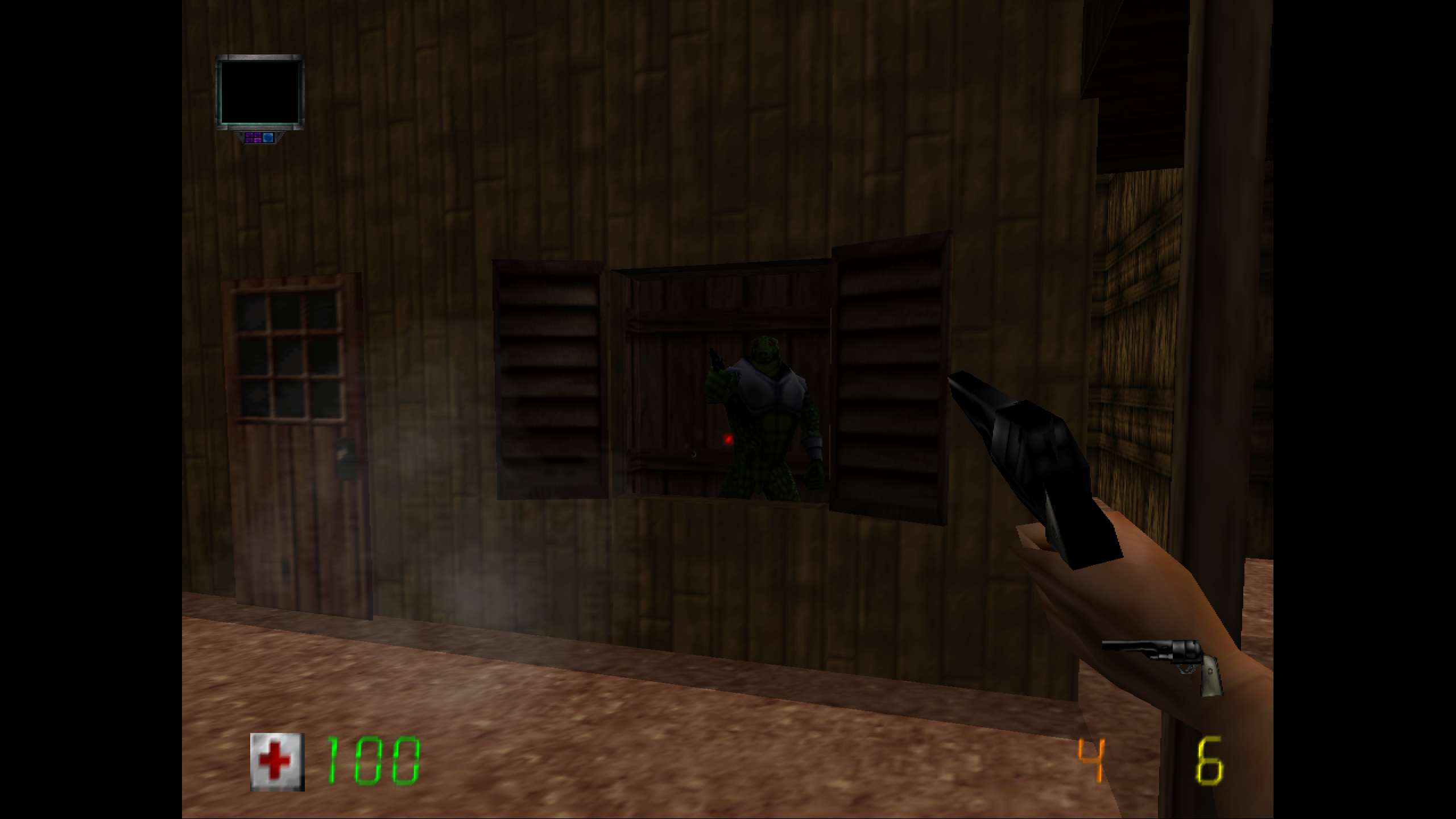
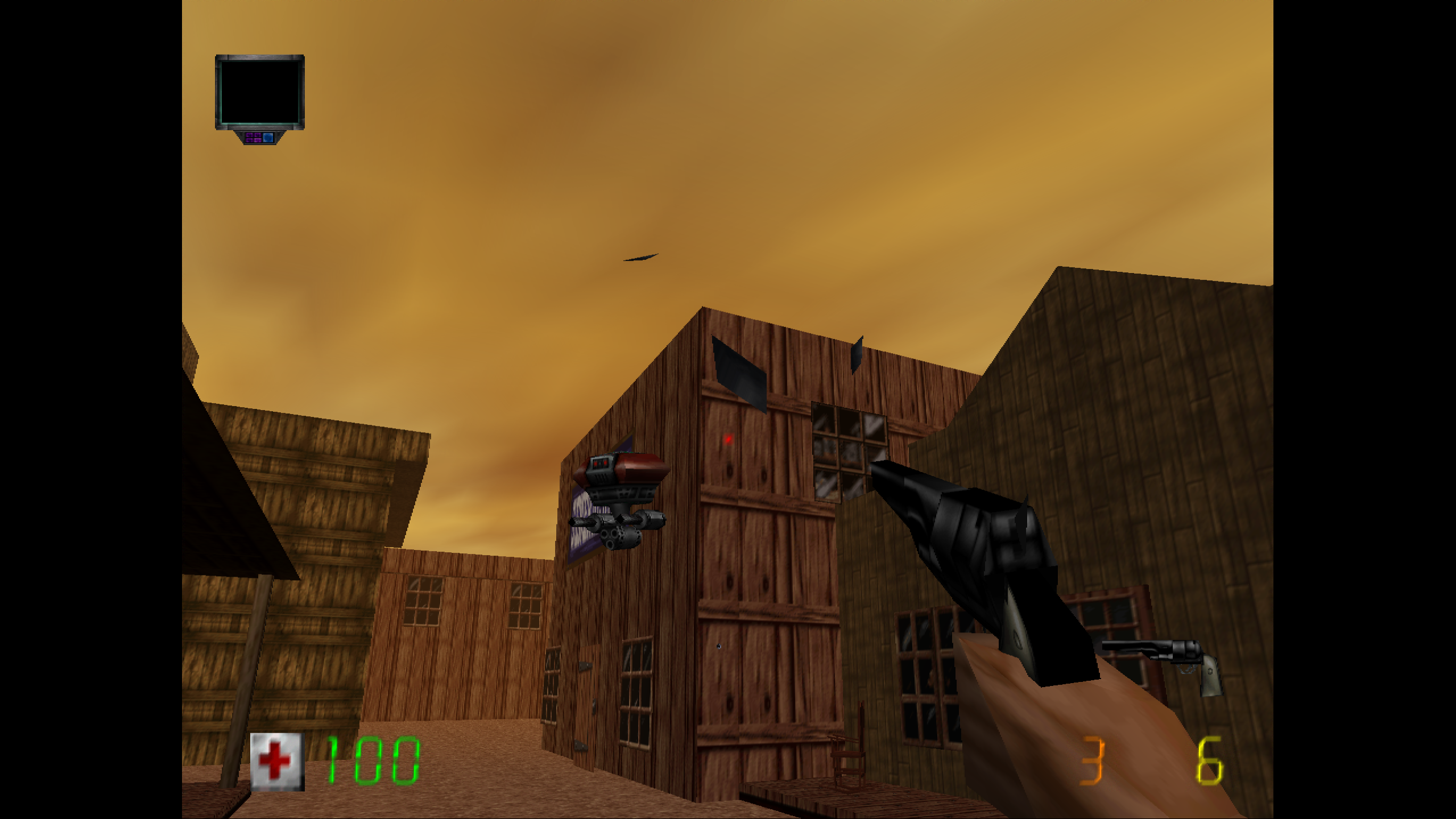
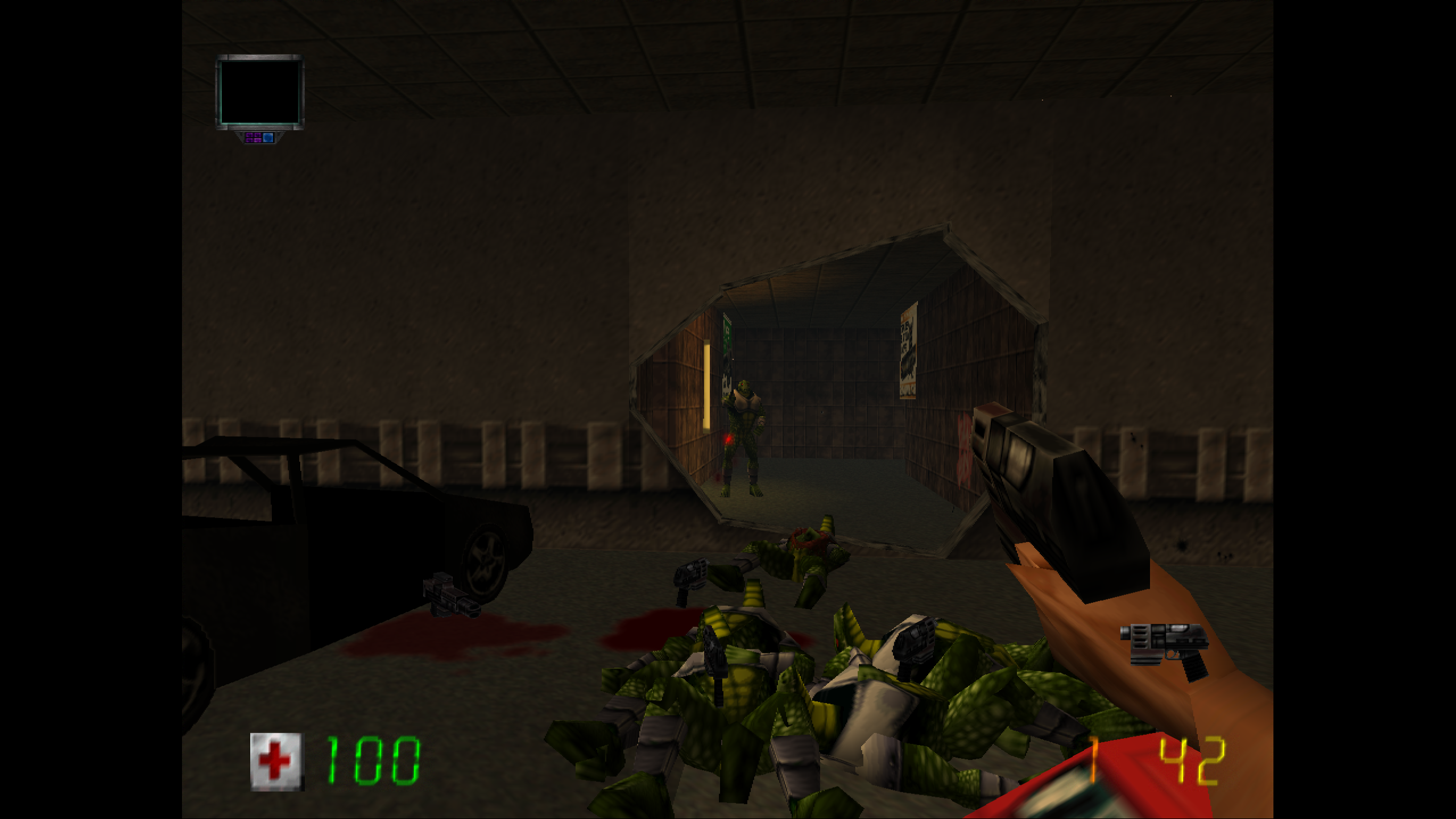
- Fully first person, except in cut-scenes
- Unlike old N64 hacks, guns now have viewmodels
- Mouse look support with adjustable sensitivity
- Better HUD with a lot of customization options
- Dead enemies do not despawn
- Corpses can be gibbed by gunfire and explosions
- Increased limits for various effects
- Dual-wielded weapons can now be put away
- Restored Duke talk when you try to activate nothing
- Skip startup logos and jump straight to the main menu
- Toggleable cheats and level select
- And a bunch of other tweaks!
Screenshots
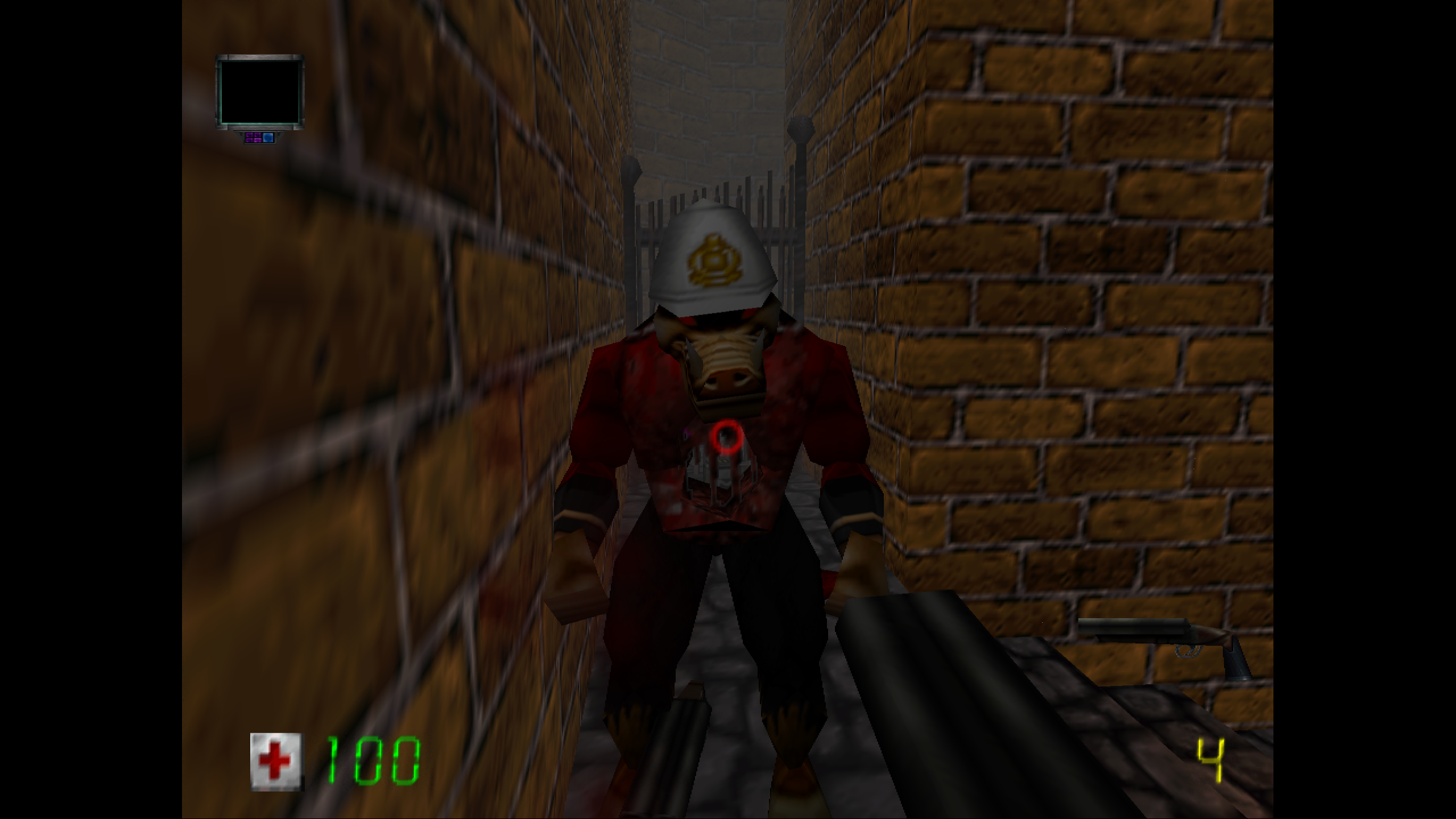
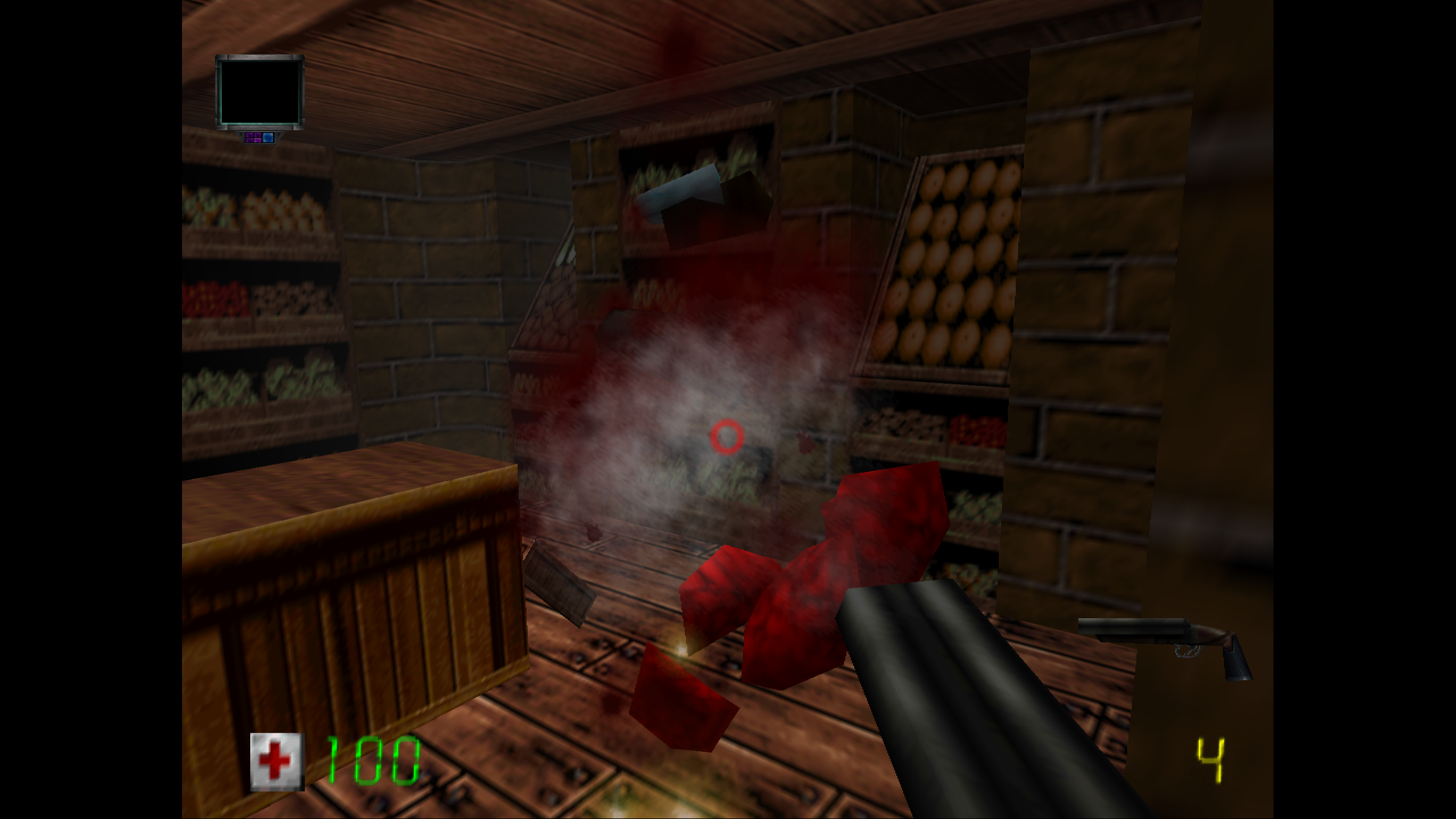
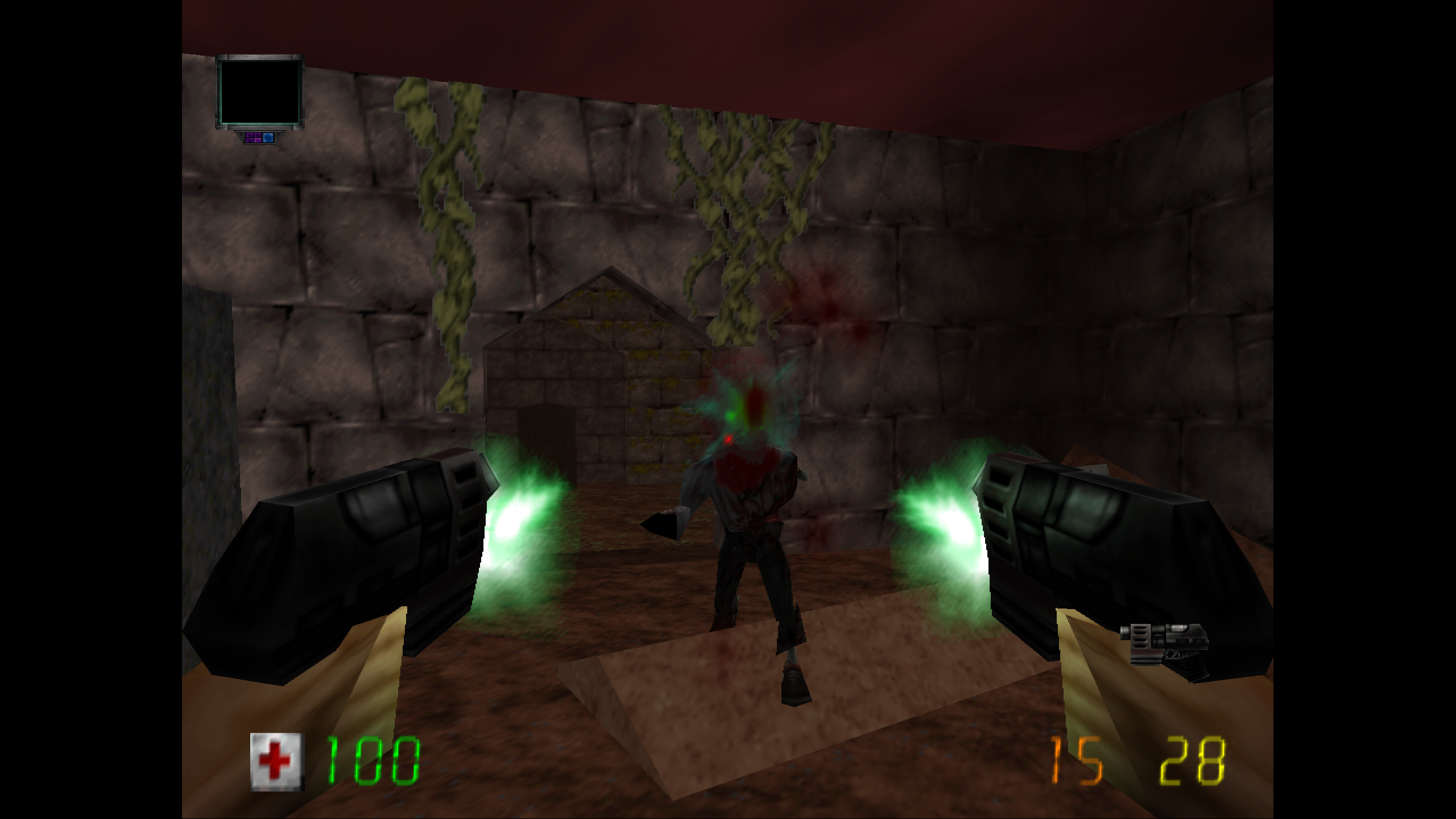
Download
How To Play (All-in-one package)
You will need this exact N64 ROM: Duke Nukem - Zero Hour (USA).
- Download and unzip the package.
- Open the extracted folder (
kyyrmas-dnzh). - Drop your ROM into the root of that folder.
- Run
DNZHRecompiled.exe.
All mods should be enabled and configured. Go get 'em, Duke!
Settings overrides (All-in-one package)
The all-in-one package includes my config file, which overrides the default config from the recomp. The controls are based on the default Duke controller layout. Do not switch controller presets in-game.
Mouse and keyboard is the default control scheme. To use a controller instead, go to Mods and turn off Mouse Look Probe. With mouse look enabled, the mouse cursor is locked in-game, so you won't be able to adjust mod settings until you restart the game.
The recomp allows you to toggle a few graphics settings, but most don't work yet. I suggest you stick to my defaults, unless you are feeling brave.
If you want to turn mods on/off or tweak a specific mod, open the recomp menu and go to Mods tabs. There you can adjust things like HUD scaling/position, toggle individual mods, and more. You can also toggle cheats.
Default controls (All-in-one package)
Mouse + Keyboard (Duke scheme)
- Mouse: look
- L mouse: shoot
- Mousewheel: toggle weapons
- WASD: move
- E: activate
- Q: use item
- Tab: scroll items
- Space: jump
- Enter: select in menus
- Arrow keys: navigate menus
Controller (Disable Mouse Look Probe in Mods first)
- Dpad up / down: scroll inventory
- Dpad left / right: scroll weapons
- L stick press: use inventory item
- Right trigger: shoot
- X: activate, trigger pipe bombs
- A: jump
- L stick: move, strafe
- R stick: look
Important
The DNZH recomp is still in early stages. There are minor graphical issues throughout (brief flashes, decals separating from surfaces, etc.) The recomp is not my work! I've just made a bunch of scripts to make it work better in first person.
If you want to know more about the recomp, I suggest you check out the Github page and #dnzh-general Discord channel.
I have not done a full playthrough with this mod set yet, so there may be bugs from the mods or from the recomp itself. If you find issues, you can ping me on Discord. As usual, everything is provided "as is." Use at your own risk.
Credits
- DNZH Recompilation by sonicdcer
- Duke Nukem community for still betting on Duke